Load & Prepare
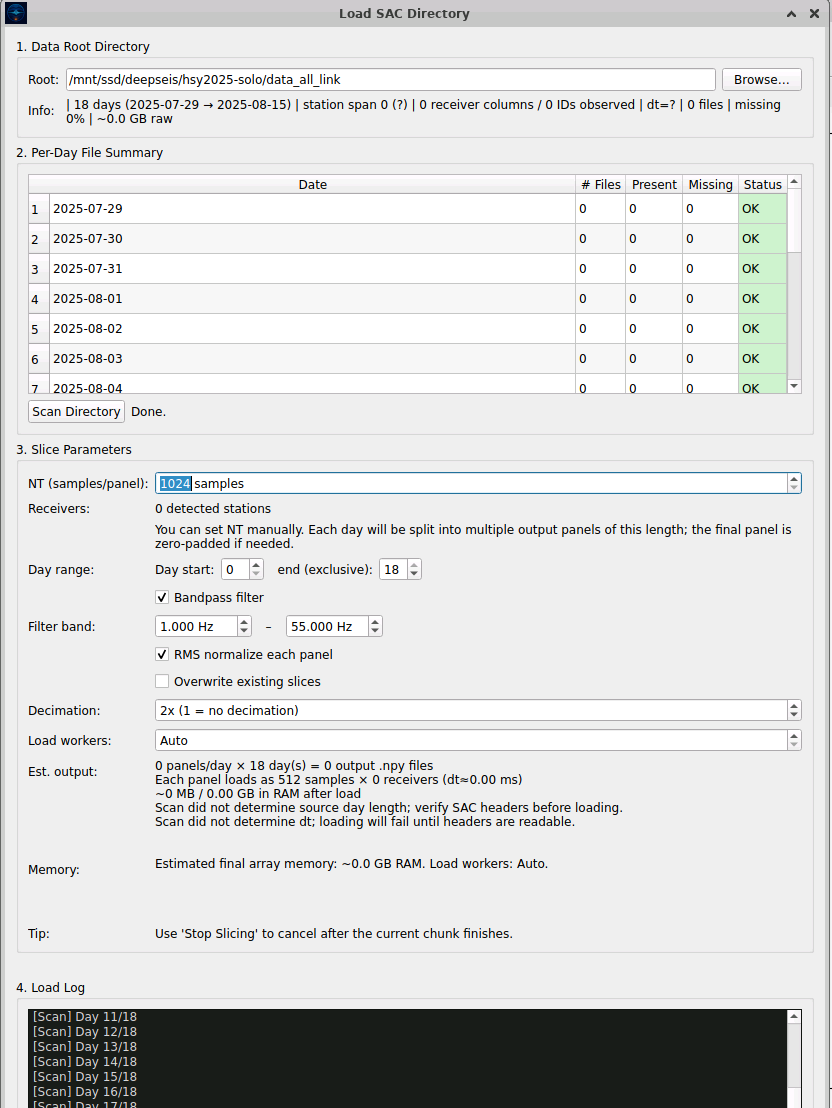
Point to your SAC directory or load SEG-Y/MAT files. DeepSeis automatically scans stations, builds a manifest, and creates optimized cache slices for fast processing. Configure slice parameters, bandpass filters, and RMS normalization — all from a single visual interface.
Supported Input Formats
SAC Directory Structure
root/
├── 2024-08-01/
│   ├── 1001.GP2.2024-08-01.sac
│   ├── 1002.GP2.2024-08-01.sac
│   └── ...
├── 2024-08-02/
│   └── ...
└── .deepseis/
    ├── manifest.json
    ├── slices/
    │   └── panel_*.npy
    └── stations/
- SAC directory auto-discovery with flat or nested structures
- SEG-Y and MATLAB file direct loading
- Manifest caching for instant reload
- Automatic station metadata extraction from SAC headers
- Configurable NT, Panels, Receivers, and dt parameters
Quality Control
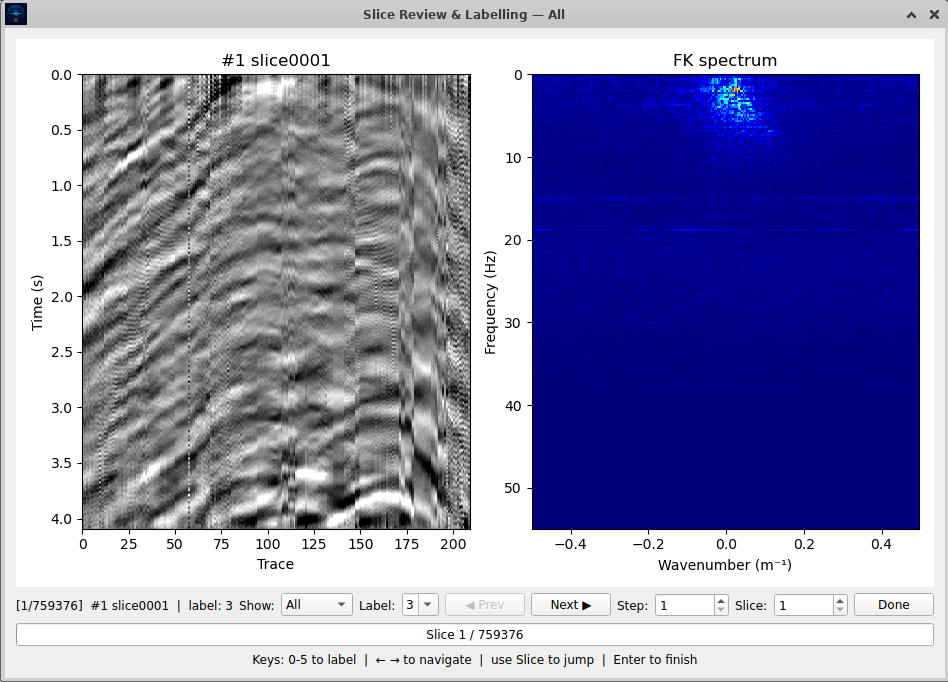
Review data slices visually and apply AI-assisted classification. Filter out noisy panels using directional index (DI) analysis and manual labels. The interface displays both the seismic slice and its FK spectrum simultaneously, with 750K+ slices navigable via keyboard shortcuts.
QC Methods
- Visual slice review with 7 colormap options
- AI batch labeling with configurable confidence thresholds
- DI histogram and FK scatter diagnostics
- Manual label override and refinement
- Slice filter with label range configuration
Retrieve Virtual Shots
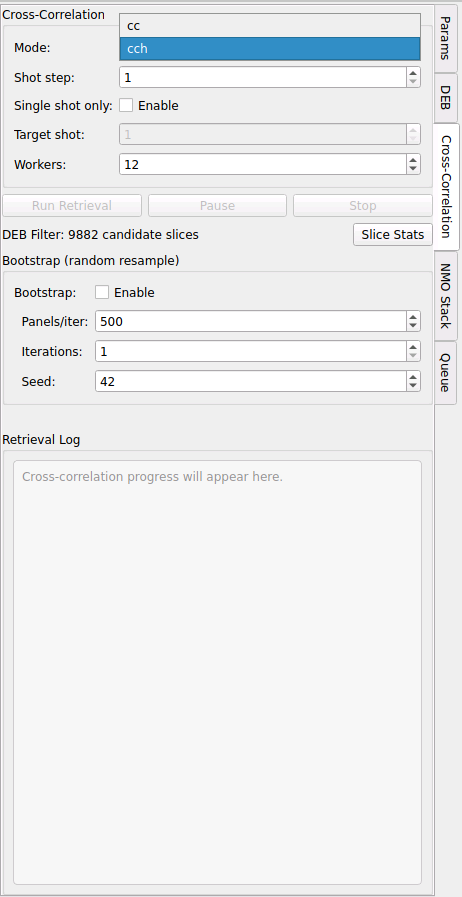
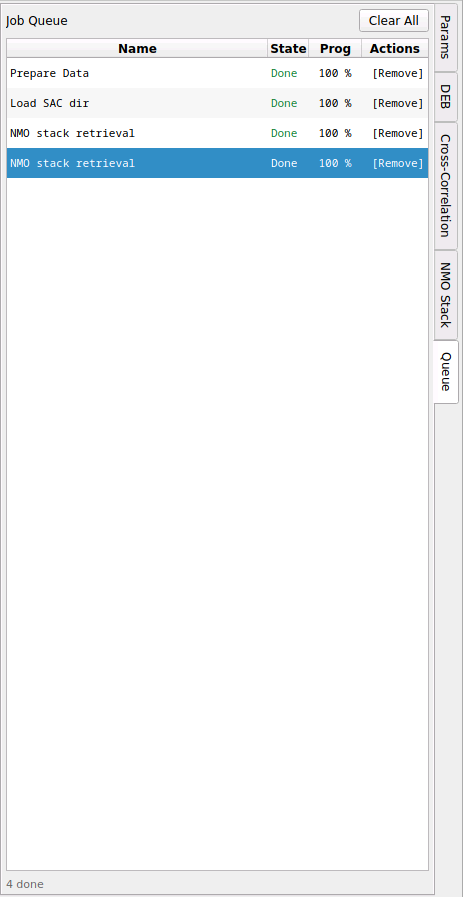
Run frequency-domain cross-correlation across all station pairs. Configure correlation mode (cc/cch), shot stepping, DEB filtering, and bootstrap resampling — all from a unified panel with real-time progress tracking.
Cross-Correlation Parameters
- Multi-threaded background processing
- Real-time virtual shot preview in Result tab
- Virtual shot navigation with Prev/Next and dropdown
- Configurable stacking windows and parameters
- Positive/negative lag merging for symmetric results
- Output shape: (4001, N_virtual × N_receivers)
Stack & Export
Apply NMO correction with your receiver geometry, preview stacked profiles, and export results as SEG-Y for further interpretation or as images for publication. Configure velocity scanning, stretch mute, FK filtering, and bandpass parameters — all from a single unified panel.
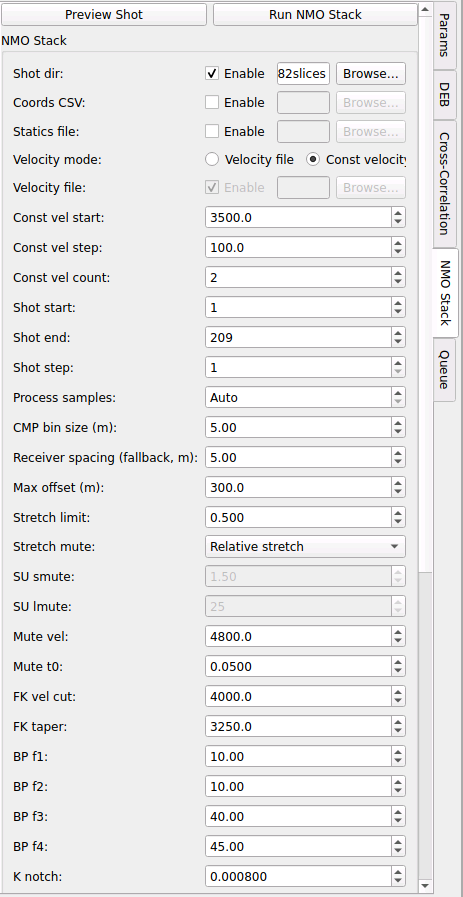
NMO Stack Inputs
- CSV-based coordinate input for flexible deployment
- Velocity scanning and constant velocity modes
- Stretch mute (SU smute / relative stretch)
- FK velocity cut, taper, and bandpass filtering
- CMP bin size control for output spatial sampling
- Export as SEG-Y, PNG, or PDF